Okuma görünümü

Microsoft Advertiser: Exact Match Trumps Ad Rank On AI Surfaces & More
Microsoft Ads

Navah Hopkins, the Ads Liaison for Microsoft Advertising, made it crystal clear that exact match is prioritized even over Ad Rank. Navah Hopkins wrote on X and LinkedIn, "Exact match will get the priority if it's there, otherwise Ad Rank determines everything."

Navah Hopkins posted a nice video explaining this and wrote:

If you're running a PMax and Search campaign they might also have overlap. An exact match keyword in a Search campaign will always win over PMax. Beyond that, it goes to Ad Rank.

We do not block exact match from causing an ad to serve in Copilot, it's just that the odds of a conversation exactly matching the exact match keyword are very low. Broad match and PMax have a higher probability of serving.

What is Ad Rank made up of?

  • Your bid amount
  • Ad performance (e.g., click-through rate)
  • Ad relevance
  • Ad extensions
  • Other competing ads

Here is the video but click through to read more:

Forum discussion at X and LinkedIn.

  •  

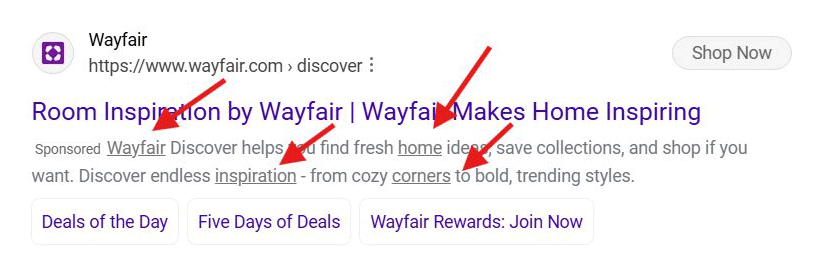
Microsoft Tests Underlines In Bing Ad Description Snippets

Bing Lines

Microsoft is also testing underlining the text of the Bing Ads search snippets and descriptions. The whole ad is clickable, so the underlines specifically aren't hyperlinks. But if you click anywhere on the ad, it will take you to the ad landing page.

This was spotted by Sachin Patel who posted some screenshots on X:

Bing Ads Snippet Description Links Underline

Here are more screenshots:

They are not clickable. The entire ad is clickable so click anywhere on the ads redirected to the same website

'" Sachin Patel (@SachuPatel53124) December 12, 2025

Forum discussion at X.

  •  

Bing Tests Hide Sponsored Results Button & Ad Grouping, Like Google Ads

Bing Logo Disappear

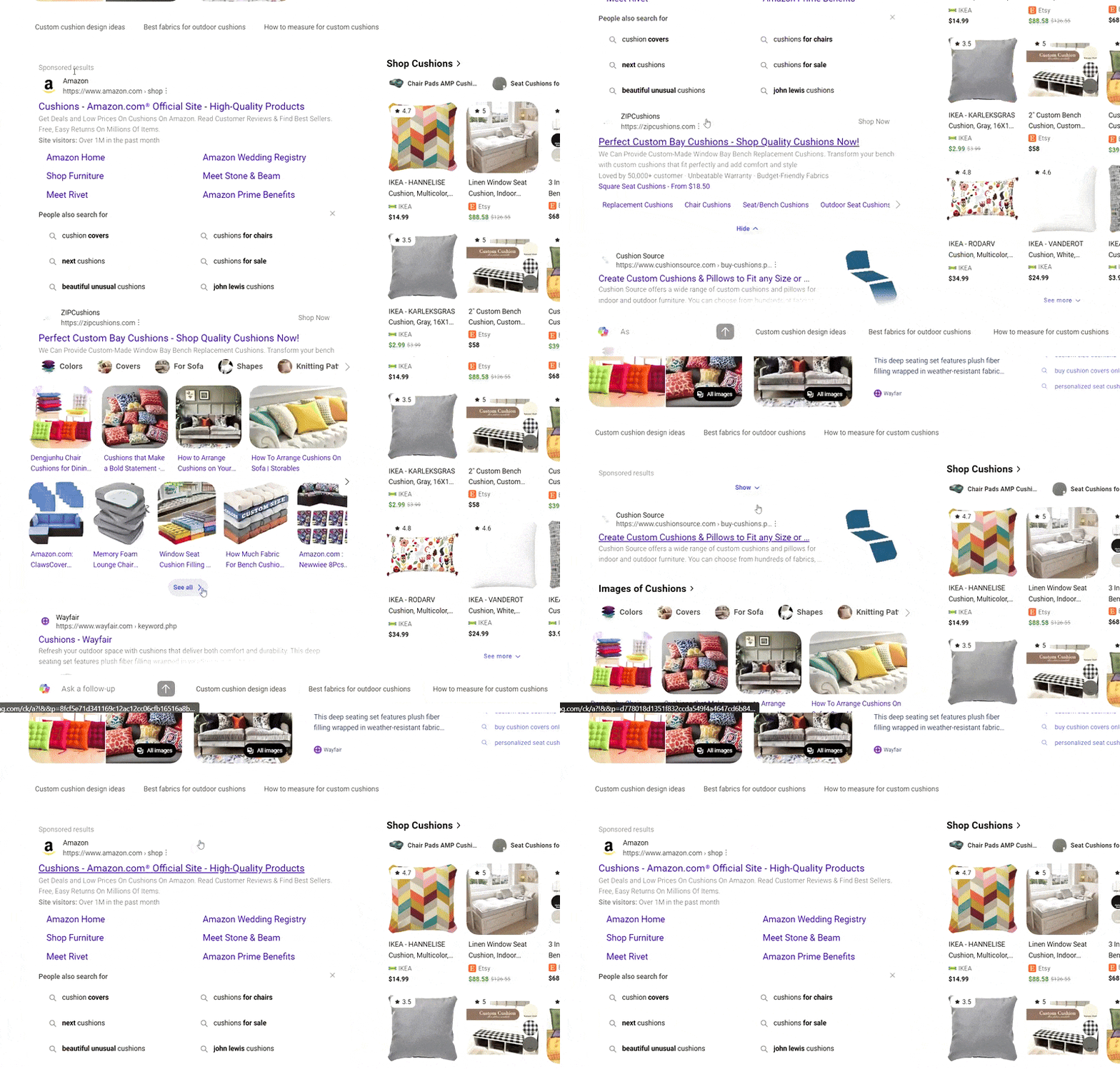
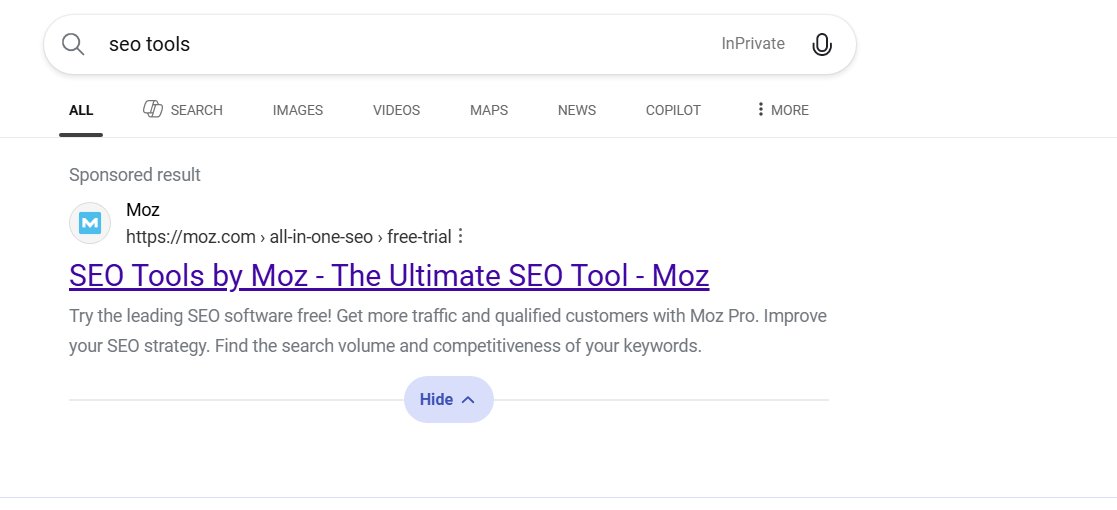
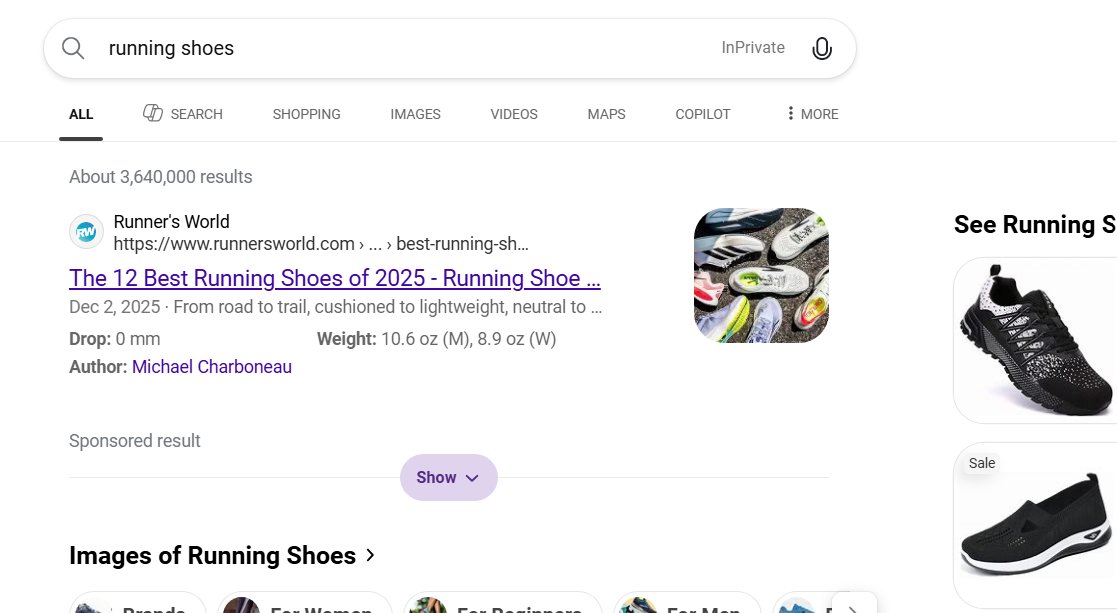
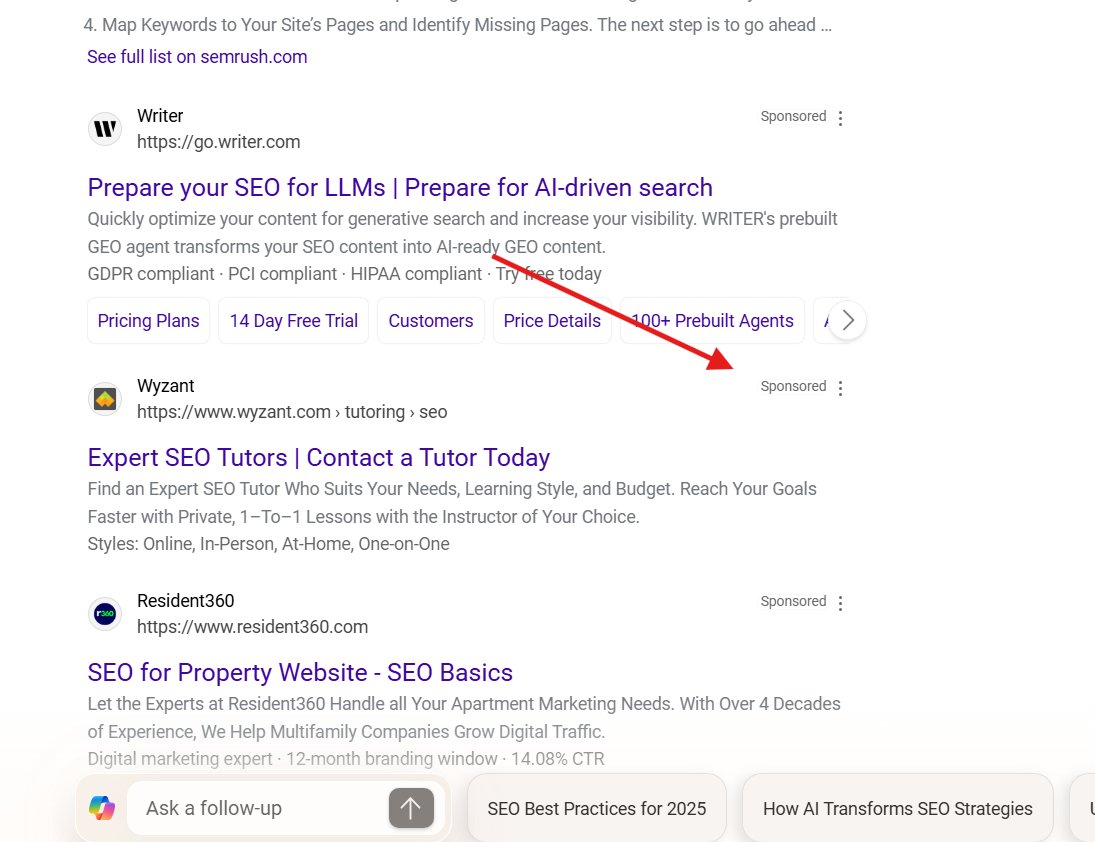
Microsoft is testing out the new Google Ads sponsored results label, ad grouping and hide button with its own Bing Search results ads. Microsoft Advertising search ads in Bing are testing grouping multiple search ads under one "Sponsored results" label, and then at the bottom, there is a "Hide" and then "Show" button.

Update: Navah Hopkins, the Microsoft Ads Liaison, messaged me to tell me "This was a test we opted not to continue." This is great news!

This is exactly what Google launched two months ago, which we have been seeing causing lots of accidental clicks on search ads.

This was spotted by Sachin Patel who posted some screenshots and videos on X - here is a GIF of it in action:

Bing Tests Hide Sponsored Results Button

You can see, that second sponsored result does not have an ad label on it, because it is "grouped" with the first ad and you can hide them you scroll past it with the "hide" button.

Here is what it looks like when it is open by default, with the ability to hide the sponsored results:

Bing Tests Hide Sponsored Results Button Hide

After you hide the results, you can then click "Show" to show the ads again:

Bing Tests Hide Sponsored Results Button Show

Here are more:

Bing testing: hide the sponsored results button. @rustybrick pic.twitter.com/dzBJ0Ul7nb

'" Sachin Patel (@SachuPatel53124) December 11, 2025

This seems to work just like what Google launched a couple of months ago. I cannot yet replicate it.

I find what Google did to be deceptive, just like I find this deceptive.

Forum discussion at X.

Update: Navah Hopkins, the Microsoft Ads Liaison, messaged me to tell me "This was a test we opted not to continue." This is great news!

  •  

Bing Search Ads Tests Ad Labels On Right

Bing Widgets

Microsoft is testing moving the ad labels in the Bing Search results from the left side of the ad to the right side of the ad. I am not sure which makes it harder to see the label or not but I assume Microsoft is testing this to see which will get more clicks.

This was spotted by Sachin Patel who posted some screenshots on X:

Here is the test:

Bing Sponsored Label Right Test

Here is the normal version:

Bing Sponsored Label Left Normal

Here are more screenshots from Sachin:

bing change to the position of the sponsored label. Previously, it was under the title; now move it.@rustybrick pic.twitter.com/bF8WusYx1f

— Sachin Patel (@SachuPatel53124) December 9, 2025

I cannot replicate this right now.

Forum discussion at X.

  •  

Microsoft Ad Disapprovals On Asset Level & Conversion Reporting Update

Microsoft Logo

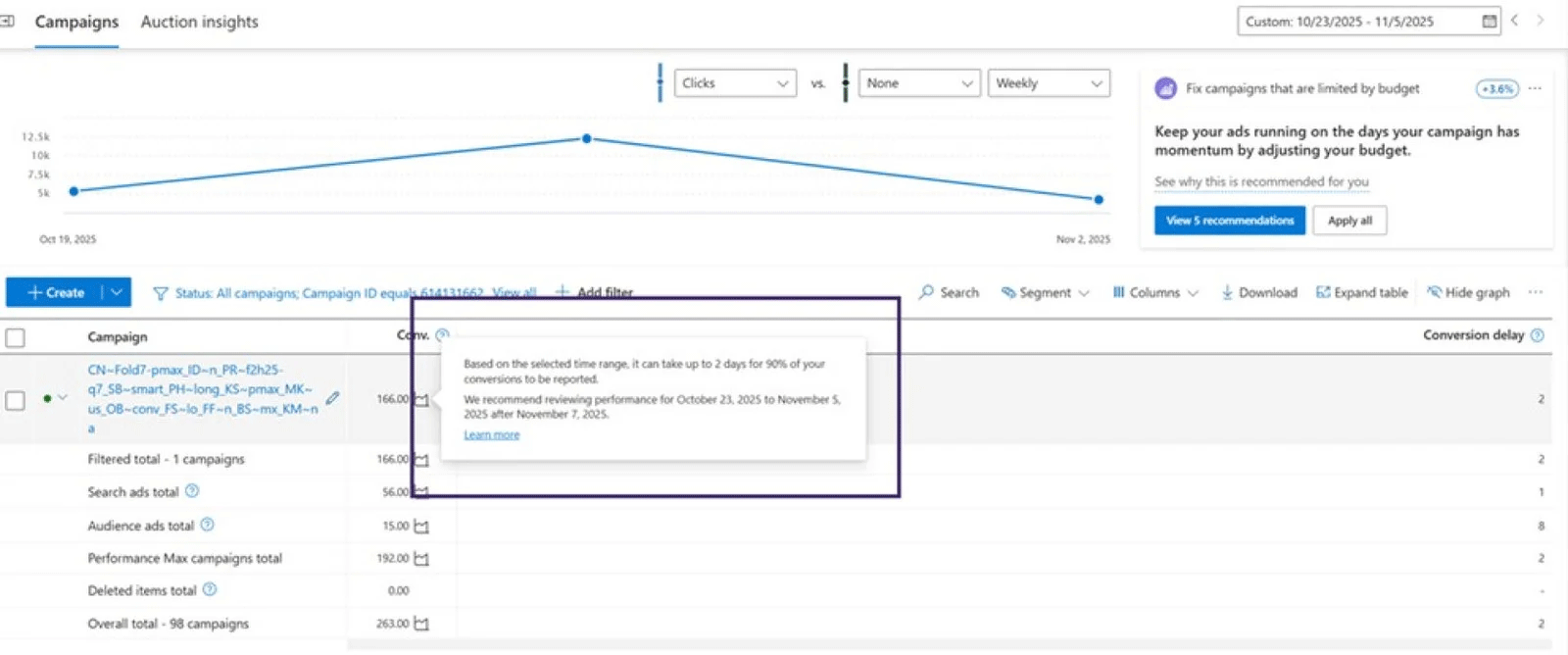
Microsoft Advertising reportedly made two updates to its ad platform recently. One on how ad disapprovals work and the other on the time it takes to see a conversion be recorded in the ad reporting interfaces.

John Sargent posted about this on LinkedIn, and Microsoft Ads Liaison, Navah Hopkins, reposted it - so it must be true, right?

John explained these two changes:

(1) Ad Disapprovals: Ads will now be disapproved at the asset level, not the whole ad. So if one line or image is the problem, the rest keeps running.

(2) Conversion Reporting: You can now report the average time it takes for 90% of your conversions to be recorded after a click. Online or offline.

John wrote, "Neither are massively headline-grabbing, but both remove friction and bring clarity - especially when you're managing spend across platforms that don't always explain themselves."

Forum discussion at LinkedIn.

  •  

Microsoft Advertising Mobile App To Be Retired

Microsoft Logo Phone

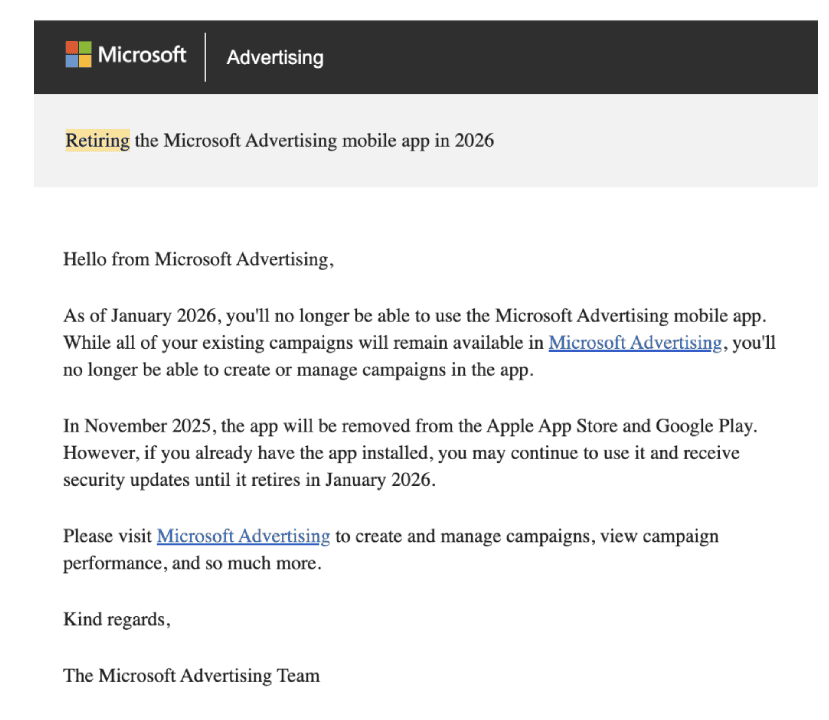
Microsoft sent emails to some advertising announcing the retirement of the Microsoft Advertising mobile app. The app will stop working as of January 2026 and will be removed from the app store this month.

The email says, "In November 2025, the app will be removed from the Apple App Store and Google Play. However, if you already have the app installed, you may continue to use it and receive security updates until it retires in January 2026."

It goes on to say, "As of January 2026, you'll no longer be able to use the Microsoft Advertising mobile app. While all of your existing campaigns will remain available in Microsoft Advertising, you'll no longer be able to create or manage campaigns in the app."

Instead, you should use the Microsoft Advertising web user interface or other tools to manage your campaigns.

This email was received by Ive Predovan and reported on at PPC News Feed, it was also posted by Timin Roy on X - here is a copy of that email:

Microsoft Advertising App Retiring Email

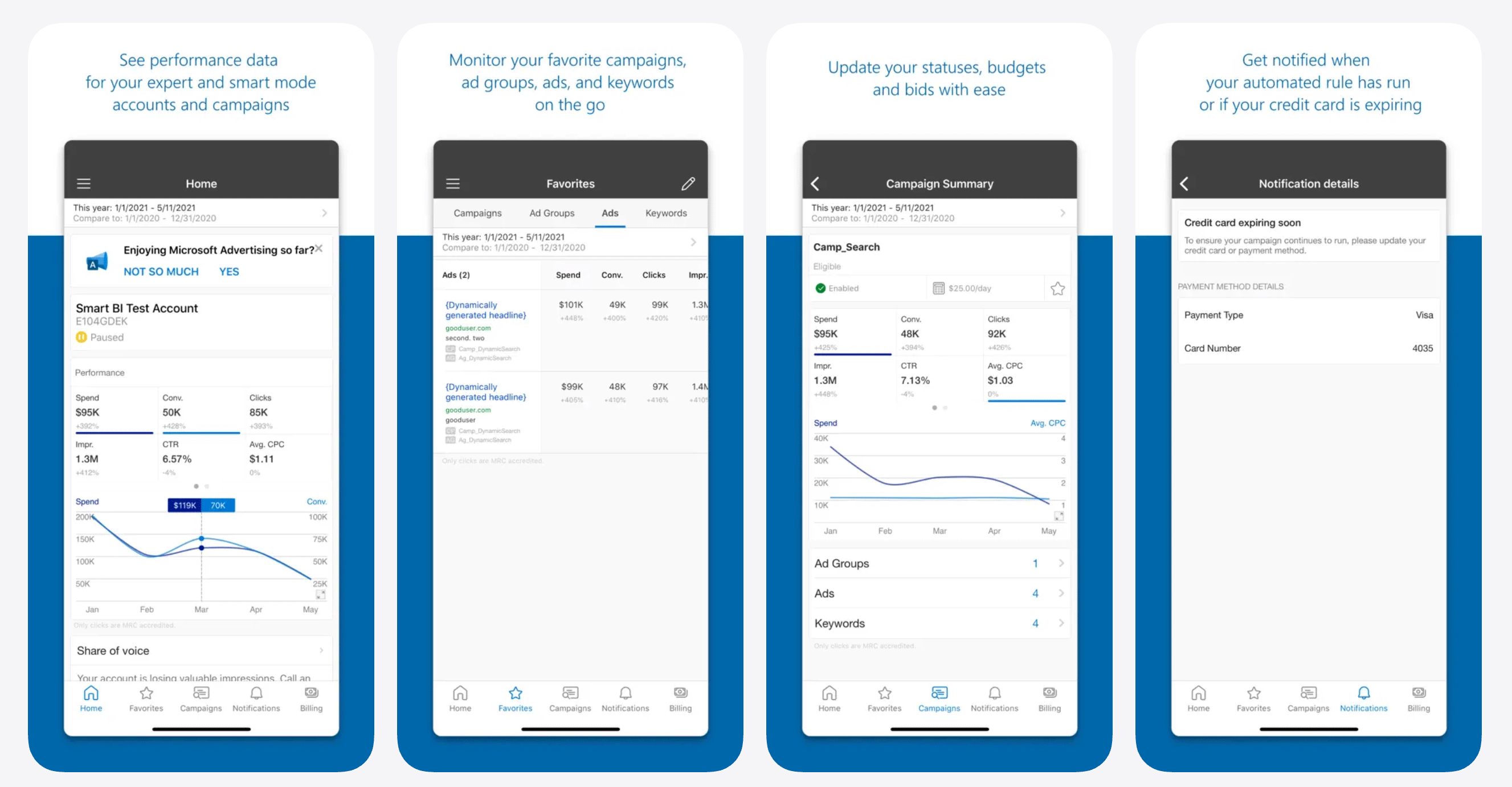
The features of the Microsoft Advertising app included:

  • Monitor your favorite campaigns and get performance data on the go
  • Quickly make changes to update your status, budgets and bids
  • Get notified to know when your automatic rules have ran or credit cards are about to expire
  • Visualize how your account or ads are performing and compare metrics side by side
  • Get in touch with Microsoft Ads support whenever you need help
  • Here are some screenshots:

    Microsoft Advertising Mobile App

    Forum discussion at X.

  •  

Microsoft Advertising Adds Asset-Level Editorial Review & Conversion Delay

Microsoft Logo

Microsoft announced a number of new Microsoft Advertising features including Asset-level editorial review, Conversion Delay insights, callouts for Hotel Price Ads expansion and Microsoft Curate updates.

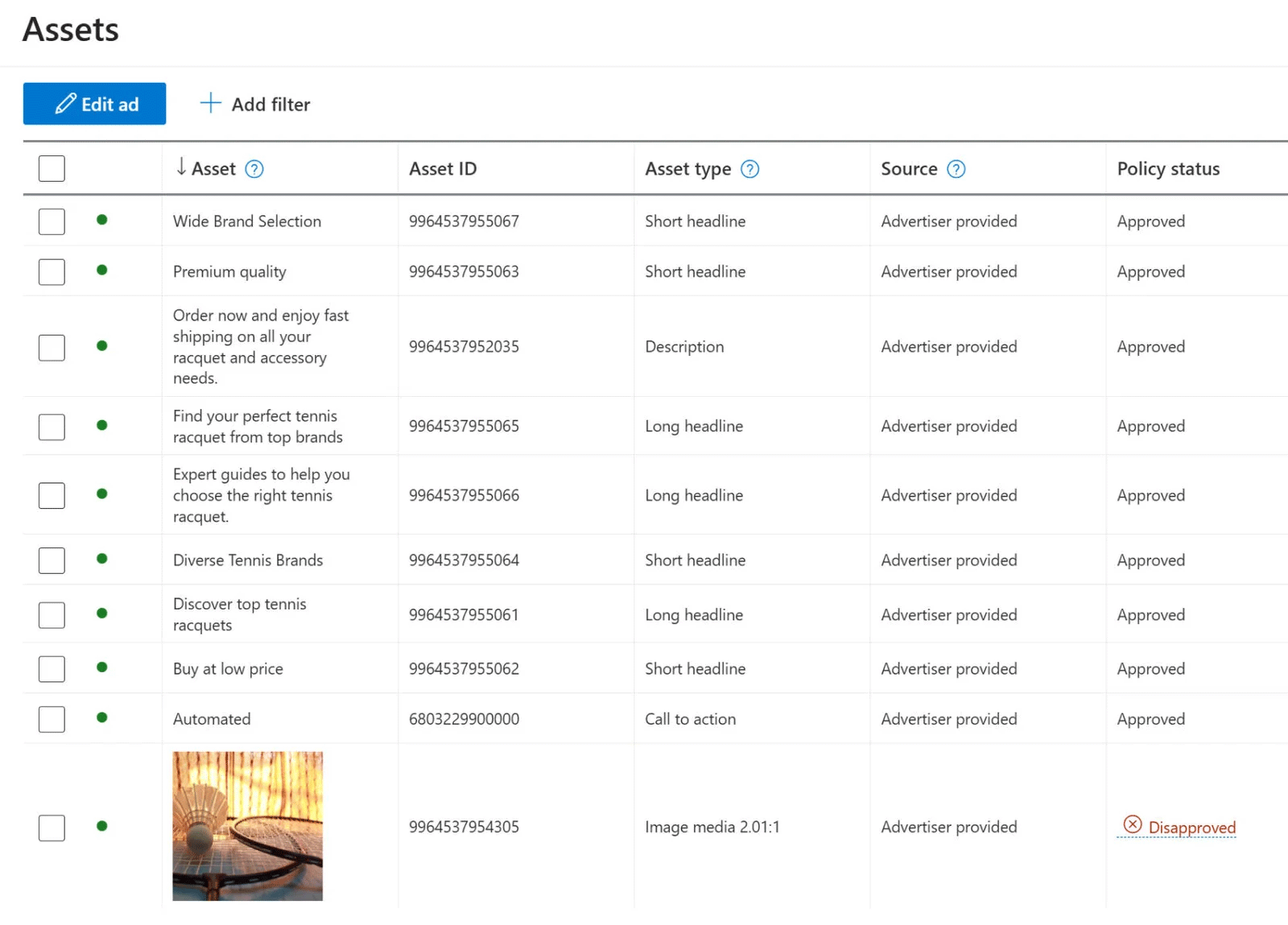
Microsoft announced new asset-level editorial review process where Microsoft Advertising will "evaluate each headline, description, and image independently, giving advertisers more flexibility and reducing unnecessary disruptions," the company said. There are new delivery status indicators and targeted notifications, and you can appeal, edit, or remove disapproved assets directly in the platform, streamlining the review process.

Microsoft Ads Asset Review

Also, Microsoft announced Conversion Delay insights. This gives you real-time visibility into how long it typically takes users to convert after clicking on your ad. Note that Conversion Delay applies exclusively to clicks that occur on or after June 1, 2025.

Conversion Delay is built directly into the campaign, portfolio, and goal grids in your in-line reports on the Microsoft Advertising platform, as well as by adding the Conversion Delay column. Microsoft said this enables you to "see exactly how many days it takes to collect 90% of conversions for any selected time range."

Microsoft Conversion Delay

Callouts for Hotel Price Ads are available globally as of October 2025. Microsoft said, "just like Lodging Campaigns, and support all languages on the Microsoft Advertising platform."

Advertisers can add callouts to new or existing campaigns or ad groups. Callout delivery matches the user's language setting '" for example, a user browsing in French will only see French callouts.

Microsoft also redesigned the reporting section of Microsoft Curate to:

(1) Streamlined Navigation: Quickly locate metrics, dimensions, and filters with an improved layout.

(2) Enhanced Usability: Save time with the ability to adjust time ranges, filters, and dimensions directly on the results page.

Forum discussion at X.

  •  

Bing Microsoft Advertising Ads Label - Ads Related To: Query

Blue Ads

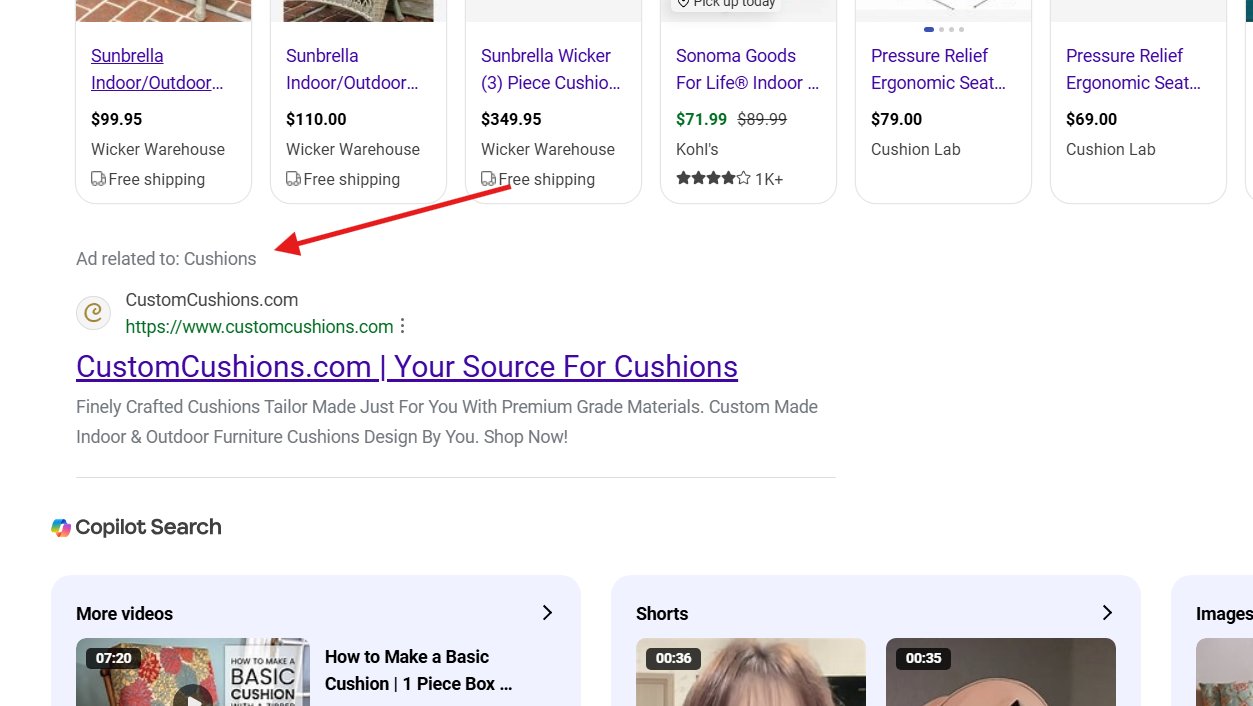
Microsoft is testing a new ad label for the Bing Search ads labeled "Ads related to" followed by the query the ads are related to. In the example below, it shows "Ad related to: Cushions"

This was spotted by Sachin Patel who posted the following screenshot on X:

Bing Ads Related To Query

Sachin wrote, "Bing is testing adding a heading on sponsored results that says 'Ad related to' followed by the keyword we search for."

It is kind of similar to Google's find related and find related products and services ad but not ad section.

Also spotted later:

New Ads layout in Bing; Ads related@rustybrick pic.twitter.com/NoUOaA3lx7

— The Gadget Diary (@DiaryGadget) November 14, 2025

Forum discussion at X.

  •